Enable Capacity Optimization for a Server
Before enabling Capacity Optimization for a server, physical storage must be reserved for exclusive use as capacity optimization storage.
After Capacity Optimization is enabled at the server level, you can enable Capacity Optimization for pools and virtual disks.
Capacity Optimization only supports non-shared “standard” pools.
To enable Capacity optimization for a server:
-
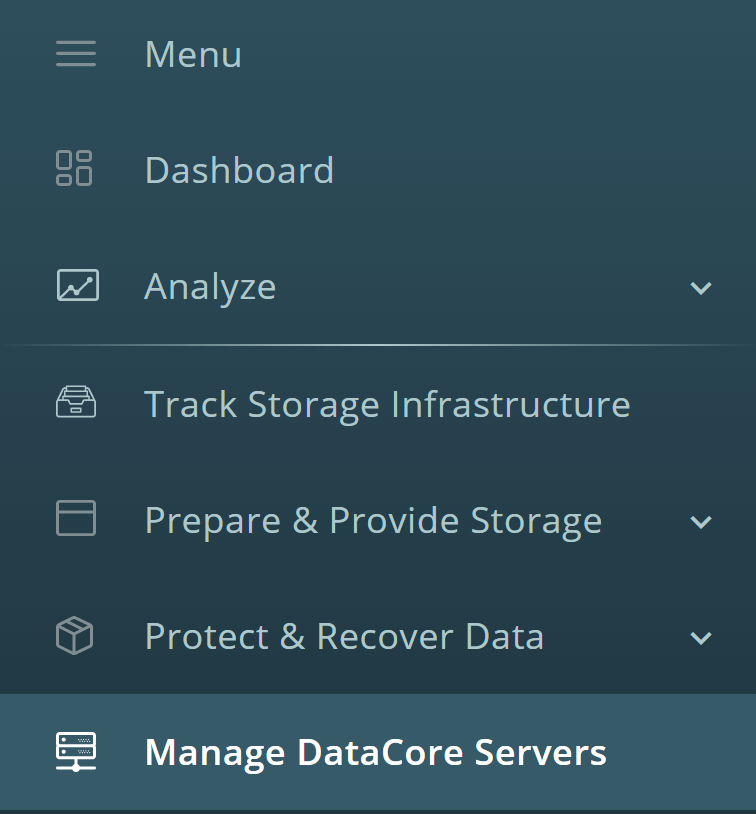
In the navigation panel, click Manage DataCore Servers.
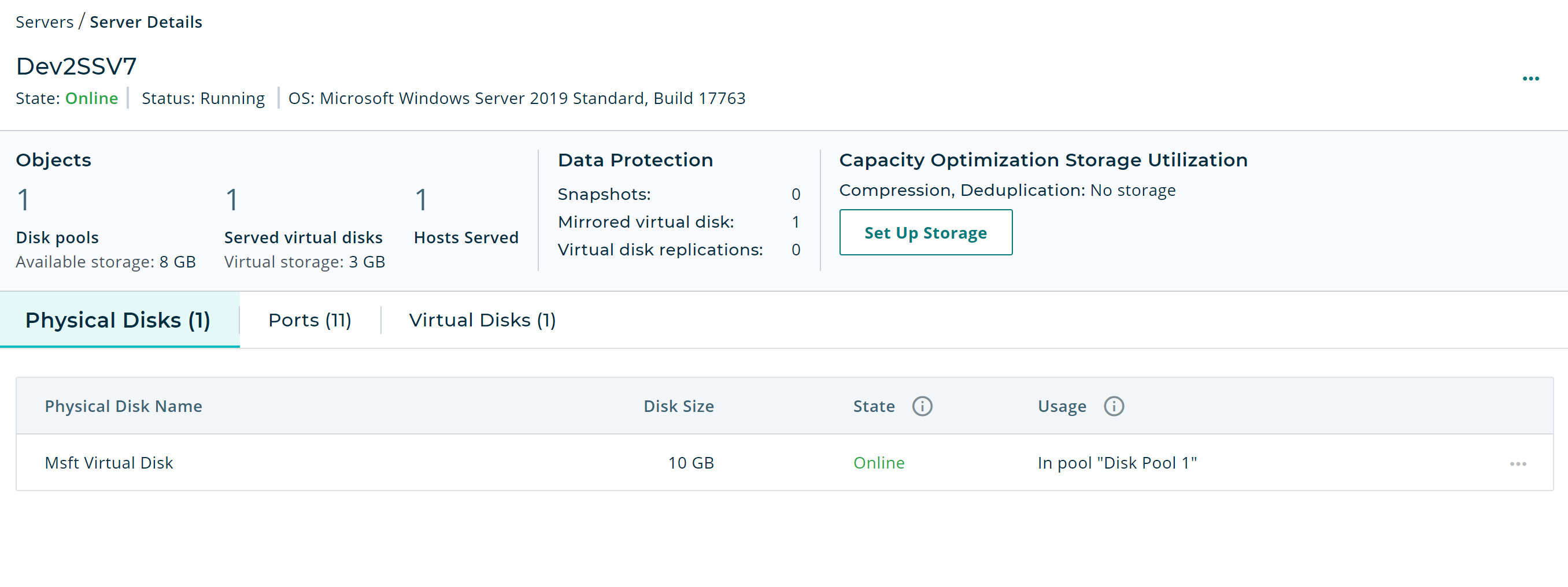
- Click on the server that you want to set up capacity optimization for.
-
On the Server Details page, click Set Up Storage.
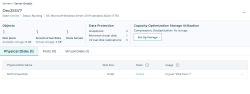
- A message about a required stop and restart of the DataCore Server will be displayed. Click Continue.
-
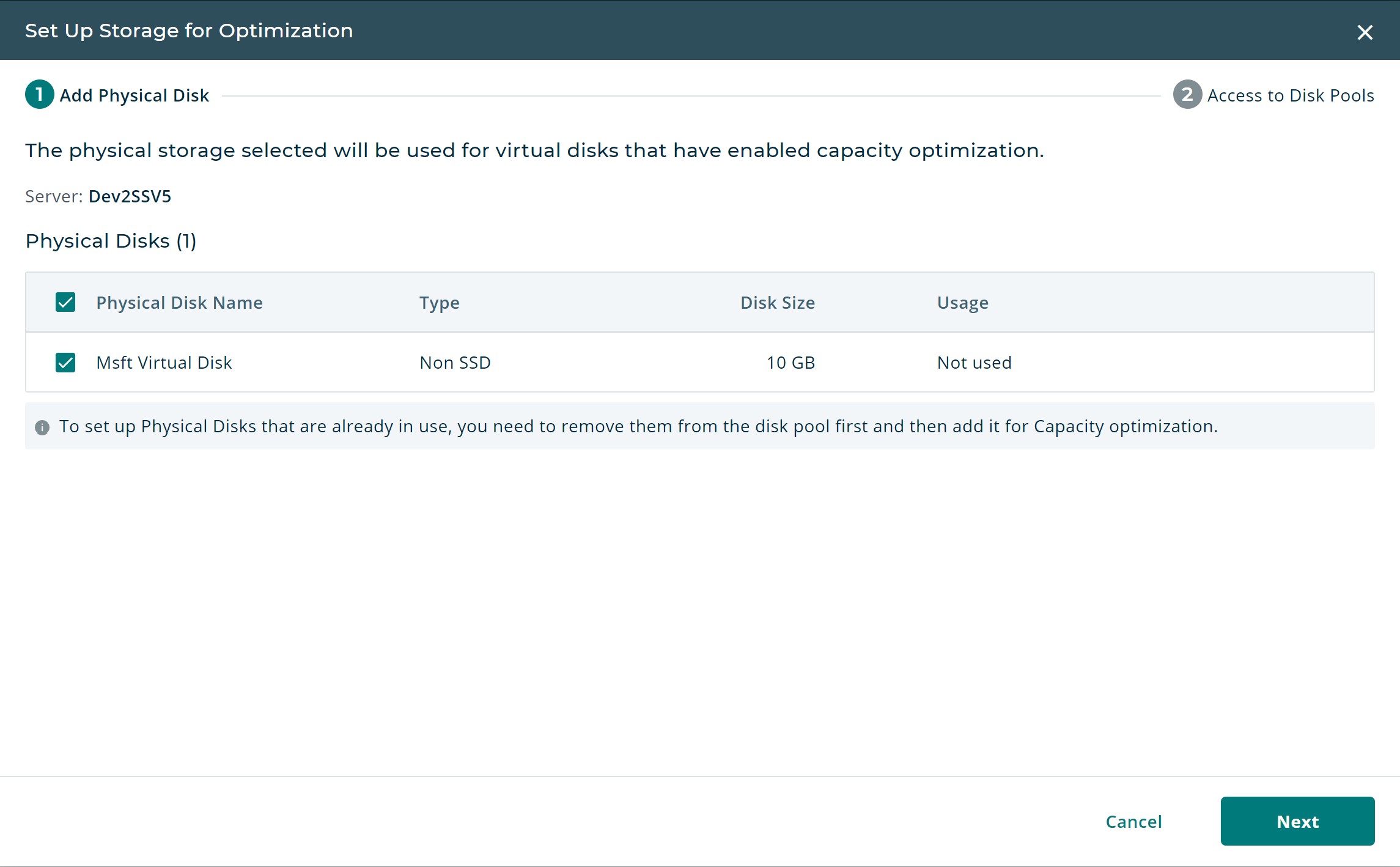
In the Set Up Storage for Optimization wizard, select from the available physical disks that you want to include and click Next.
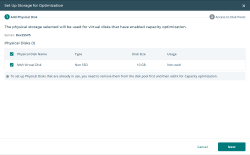
DataCore recommends using high performance SSDs for deduplication; slower disks will have a drastic impact on performance.
- Click the Enable Capacity Optimization toggle switch for any of the server's disk pools. (If you do not choose a pool at this time, you can enable Capacity Optimization for pools later.)
- Click Done. A confirmation message will be displayed.