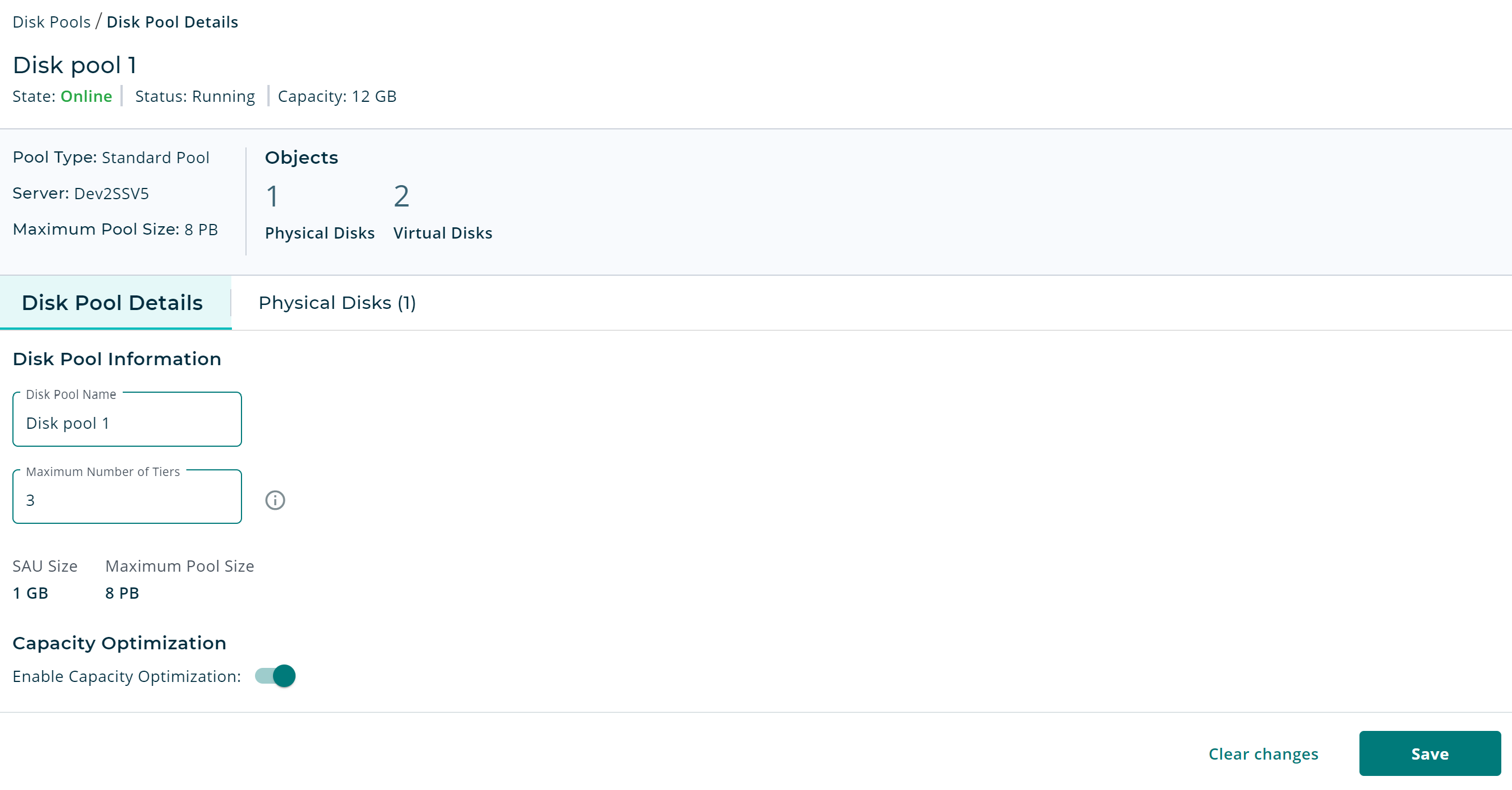
Enable Capacity Optimization for a Pool
After Capacity Optimization is enabled at the server level, you can enable Capacity Optimization for a pool on the Disk Pool Details page. If the server has not been set up for Capacity Optimization yet, the Enable Capacity Optimization toggle switch will not be available for the pool.
To enable Capacity Optimization for a pool:
-
Open the Disk Pool Details page for the pool you want to enable Capacity Optimization for.
- Under Capacity Optimization, click Enable Capacity Optimization toggle switch.
- Click Save. A confirmation message will be displayed.