Downloading Installation Files
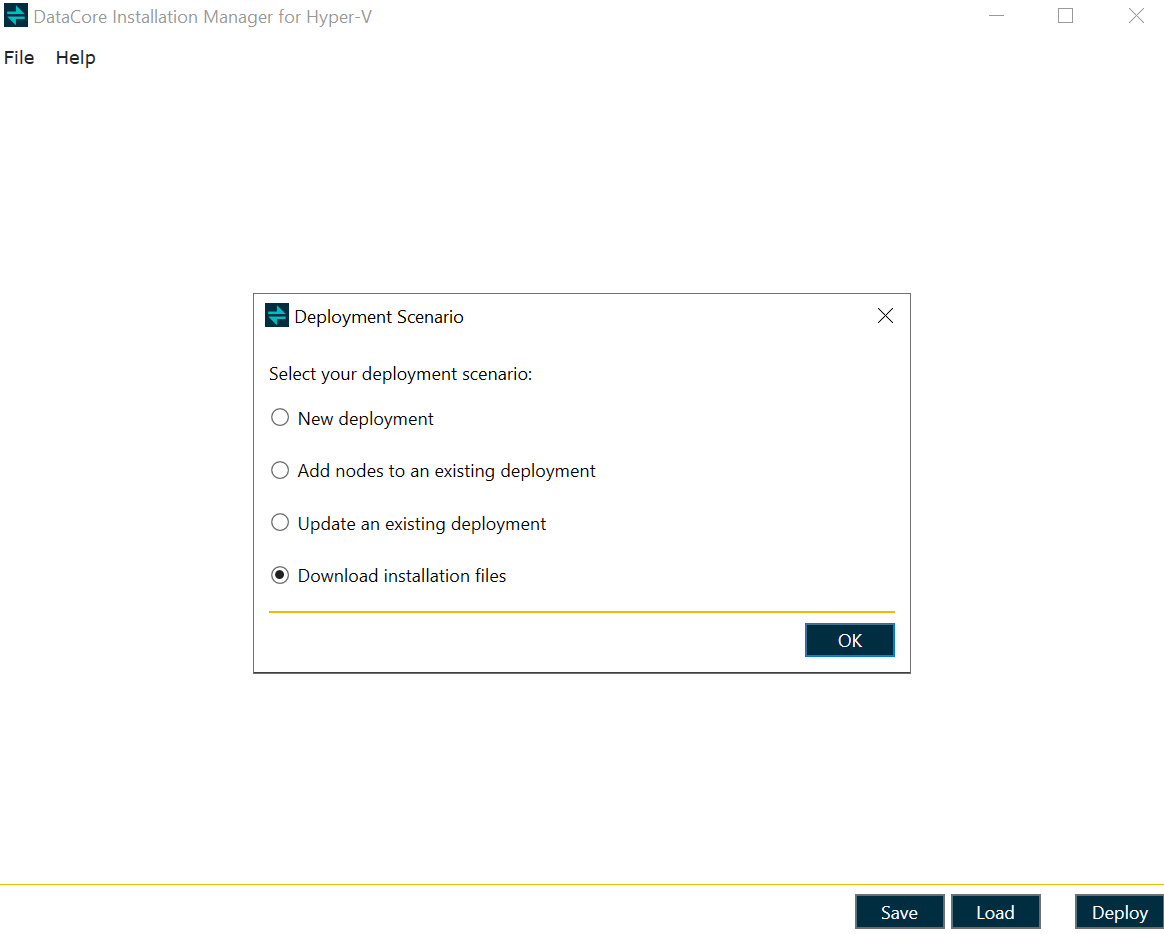
- Start the DataCore Installation Manager for Hyper-V and select Download installation files.
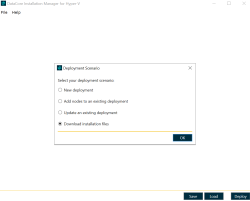
- Select the preferred Windows Server type and version to deploy on the virtual machines, and then click OK.

Command line
DataCore.SmartDeployment.HypervWizard.exe download -w <WindowsVersion> -t <WindowsType>
| Command | Definition |
|---|---|
|
|
(Default: Server2025) Download ISO images with the specified Windows Version. Supported values: Server2016|Server2019|Server2022|Server2025|All |
-t, --wintype
|
(Default: DesktopExperience) Windows type of the operating system. Supported values: DesktopExperience|Core|All |
Example: DataCore.SmartDeployment.HypervWizard.exe download -w Server2025 -t Core